4.5
out of 5Based on 45 reviews
Why Choose Authenticator
Everything You Need to Secure Every Login
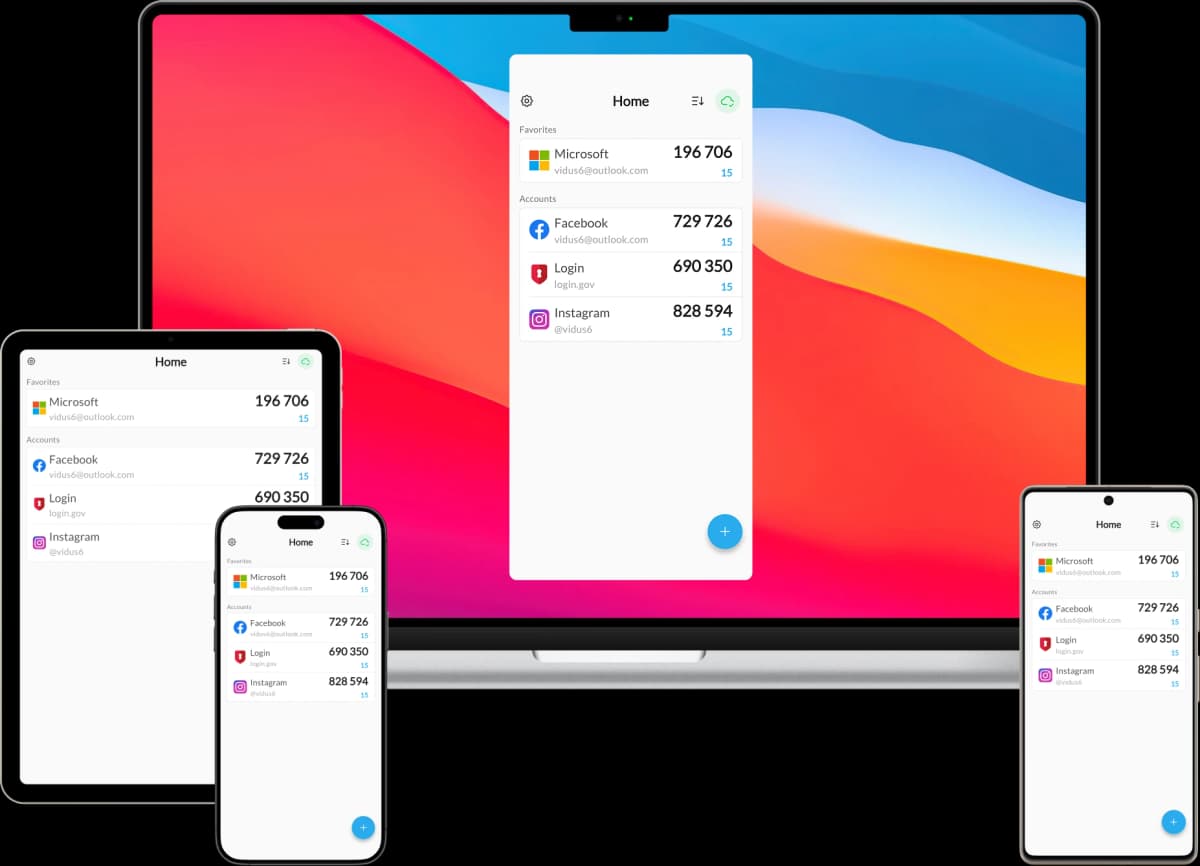
Authenticator is a complete 2FA toolkit built around zero-knowledge encryption. Generate TOTP codes offline, sync end-to-end encrypted, and keep every account safe across all your devices.
Zero-Knowledge Encryption
Authenticator generates TOTP codes fully on-device using zero-knowledge encryption with a key that never leaves your device — we literally cannot see your secrets.
End-to-End Encrypted Sync
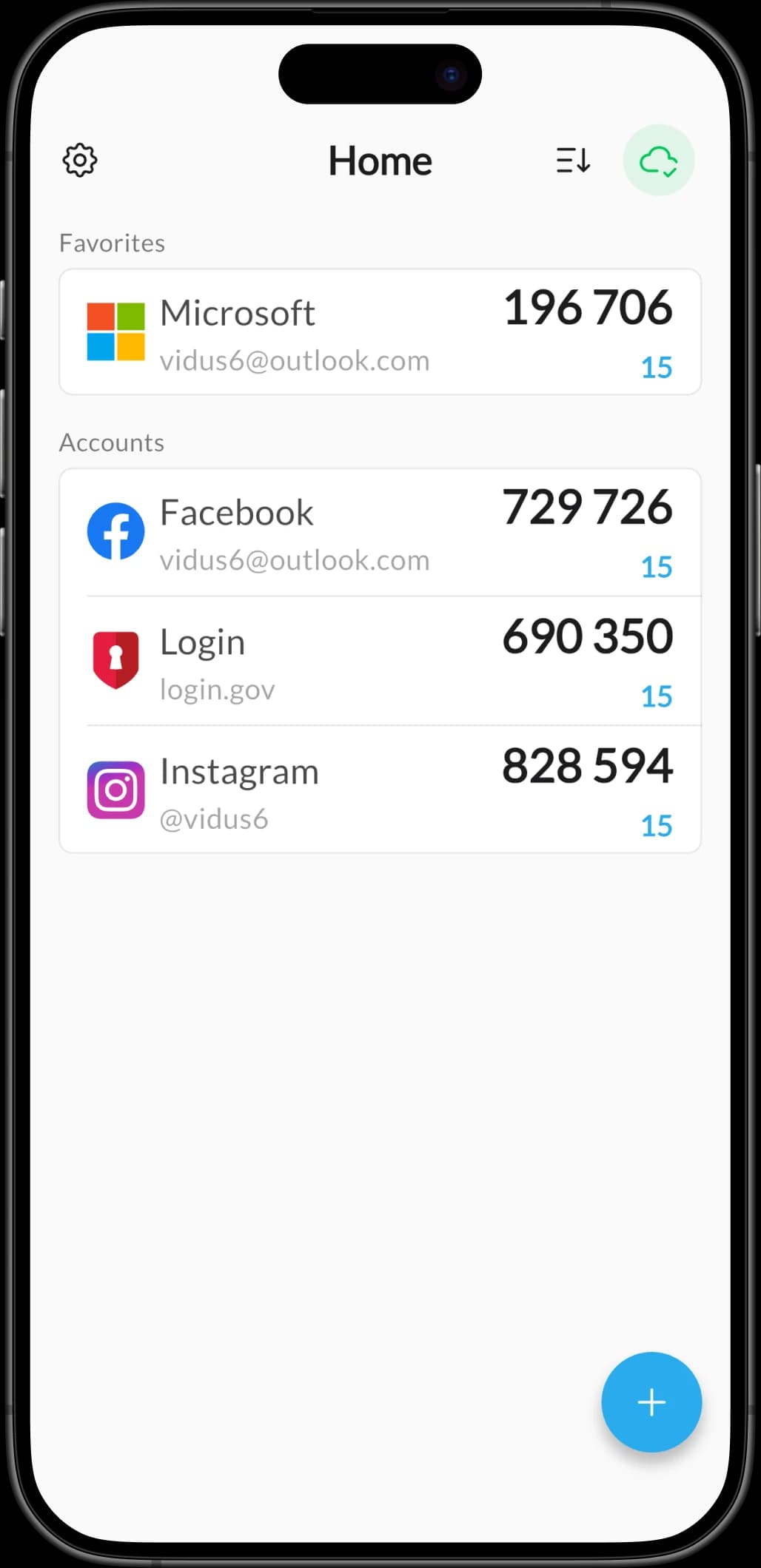
Authenticator backs up and syncs every account end-to-end encrypted across iPhone, iPad and Mac so your codes are always within reach, never exposed in transit.
Google Authenticator Import
Authenticator imports the entire Google Authenticator vault on-device in minutes — no manual re-scanning and no exported secrets leaving your device.
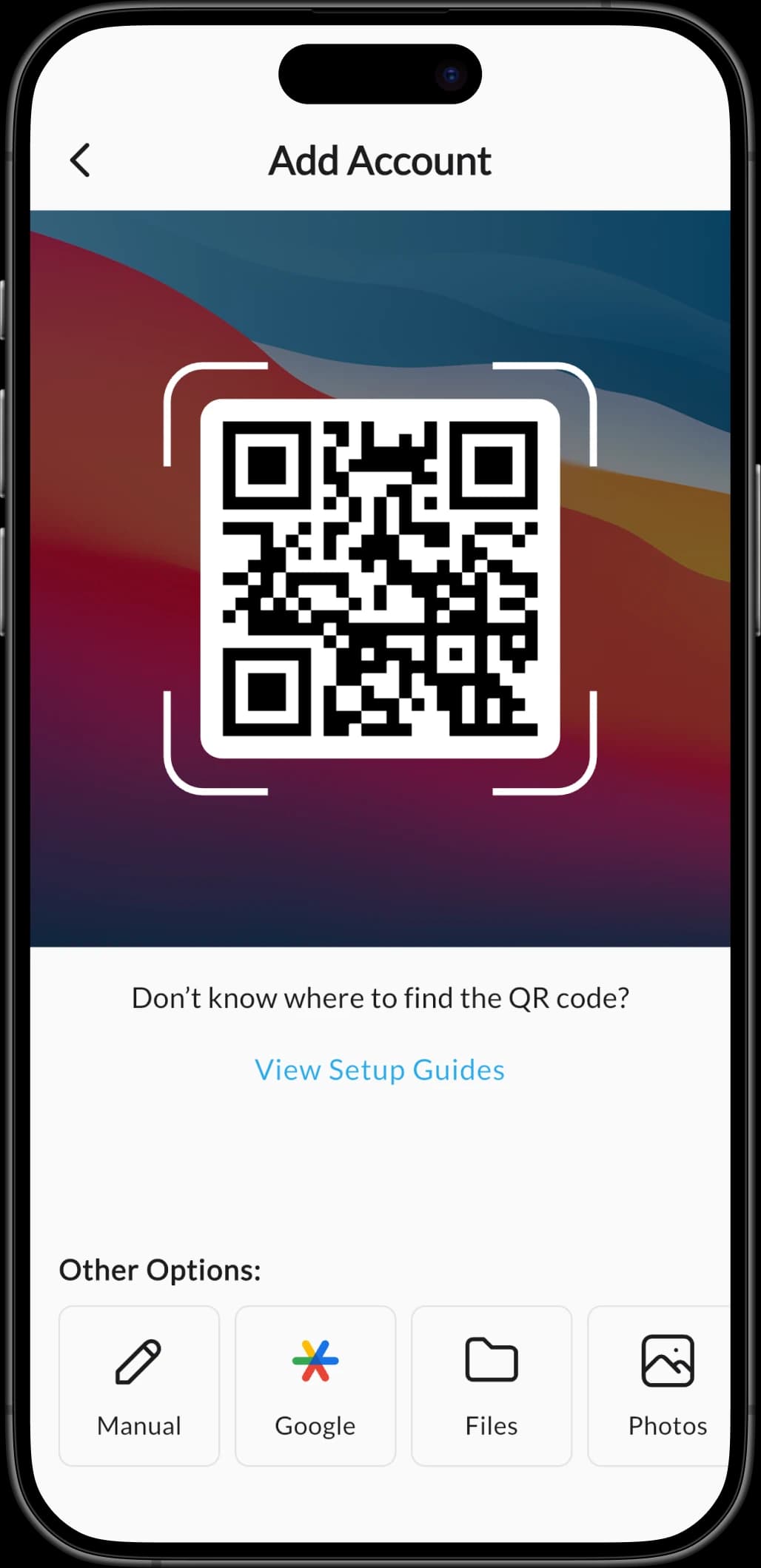
Instant QR & Secret Import
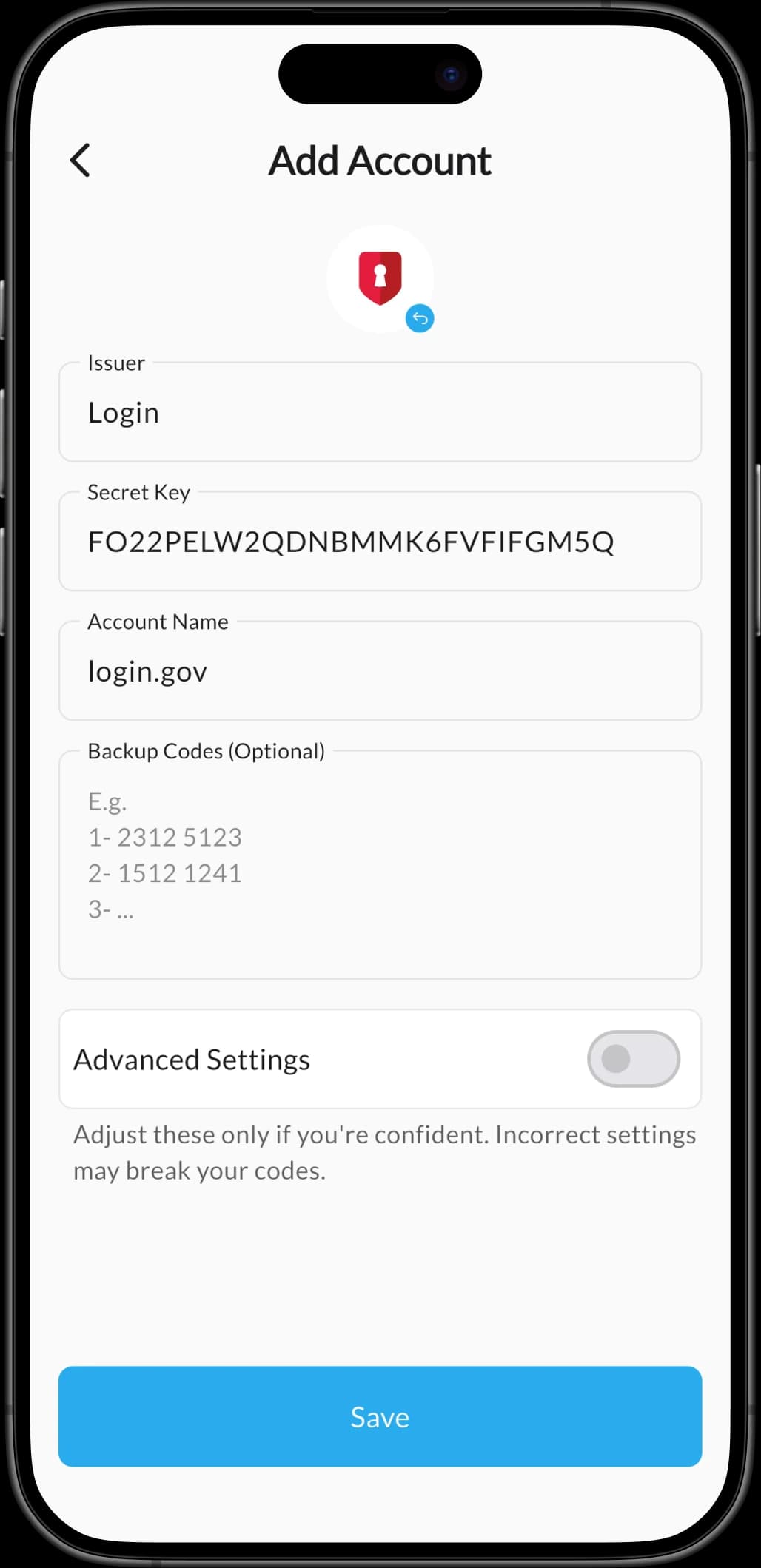
Authenticator scans QR codes from camera or screen and accepts pasted secrets in one tap for instant account onboarding, with no fiddly setup.
Works Fully Offline
Authenticator works fully offline so you can generate verification codes anywhere — on a plane, in a basement, or with no Wi-Fi at all.
Biometric App Lock
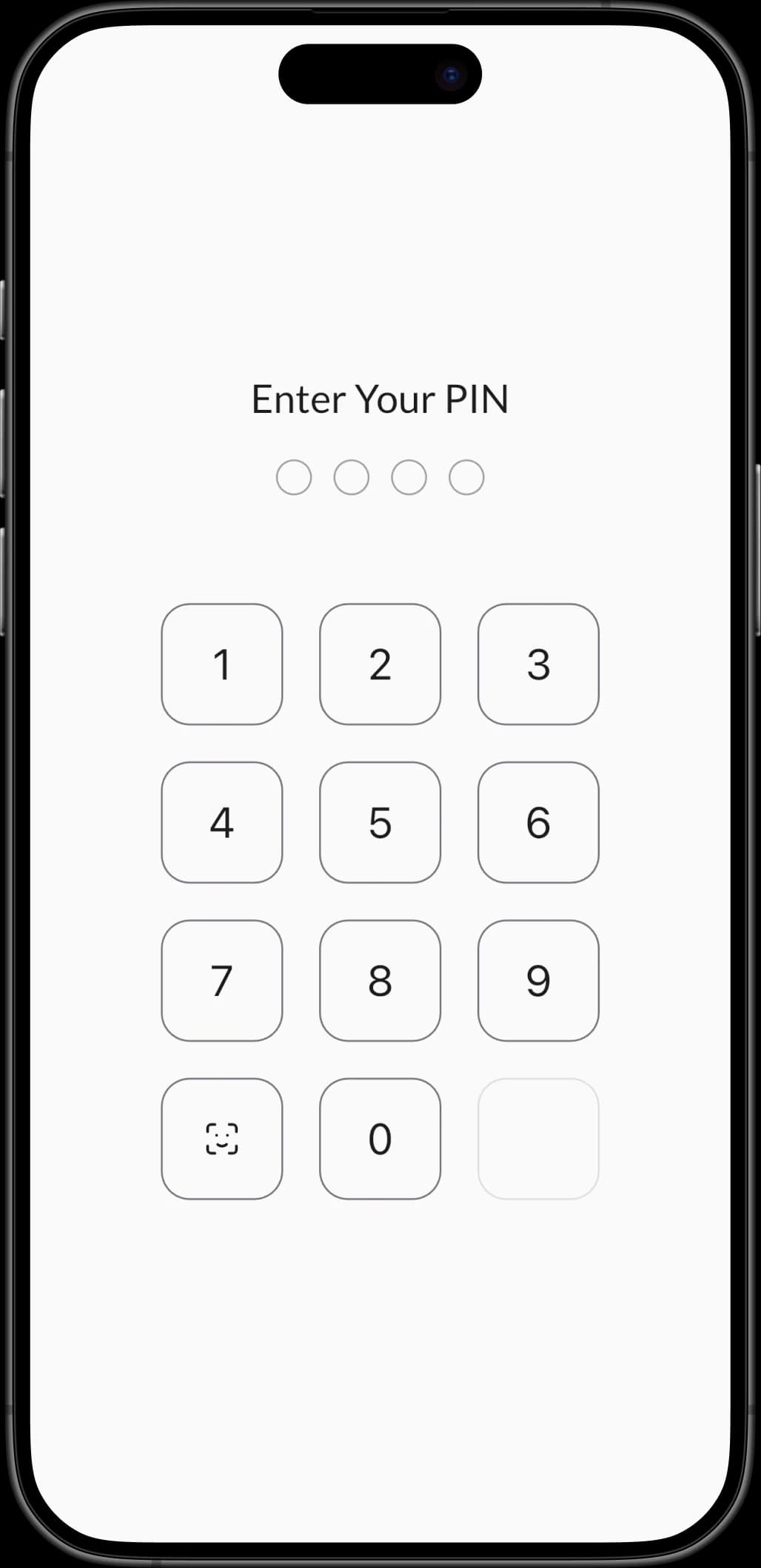
Authenticator locks the entire app behind Face ID, Touch ID, or a passcode so your 2FA codes stay safe even on a shared or lost device.
Multi-Device Without Risk
Authenticator's multi-device model lets you keep a master device and safely add new phones or tablets without losing accounts or compromising security.
2,000+ Setup Guides
Authenticator ships with 2,000+ step-by-step 2FA setup guides covering the services people actually sign in to every day, so you're never stuck.
How It Works
Secure Every Login in 3 Simple Steps
No account, no configuration, no friction. Authenticator gets you from install to protected in under a minute.
Download Authenticator
Download Authenticator on iPhone, iPad, Mac or Android and unlock it instantly with Face ID, Touch ID or a passcode — no account required.
Add Your Accounts
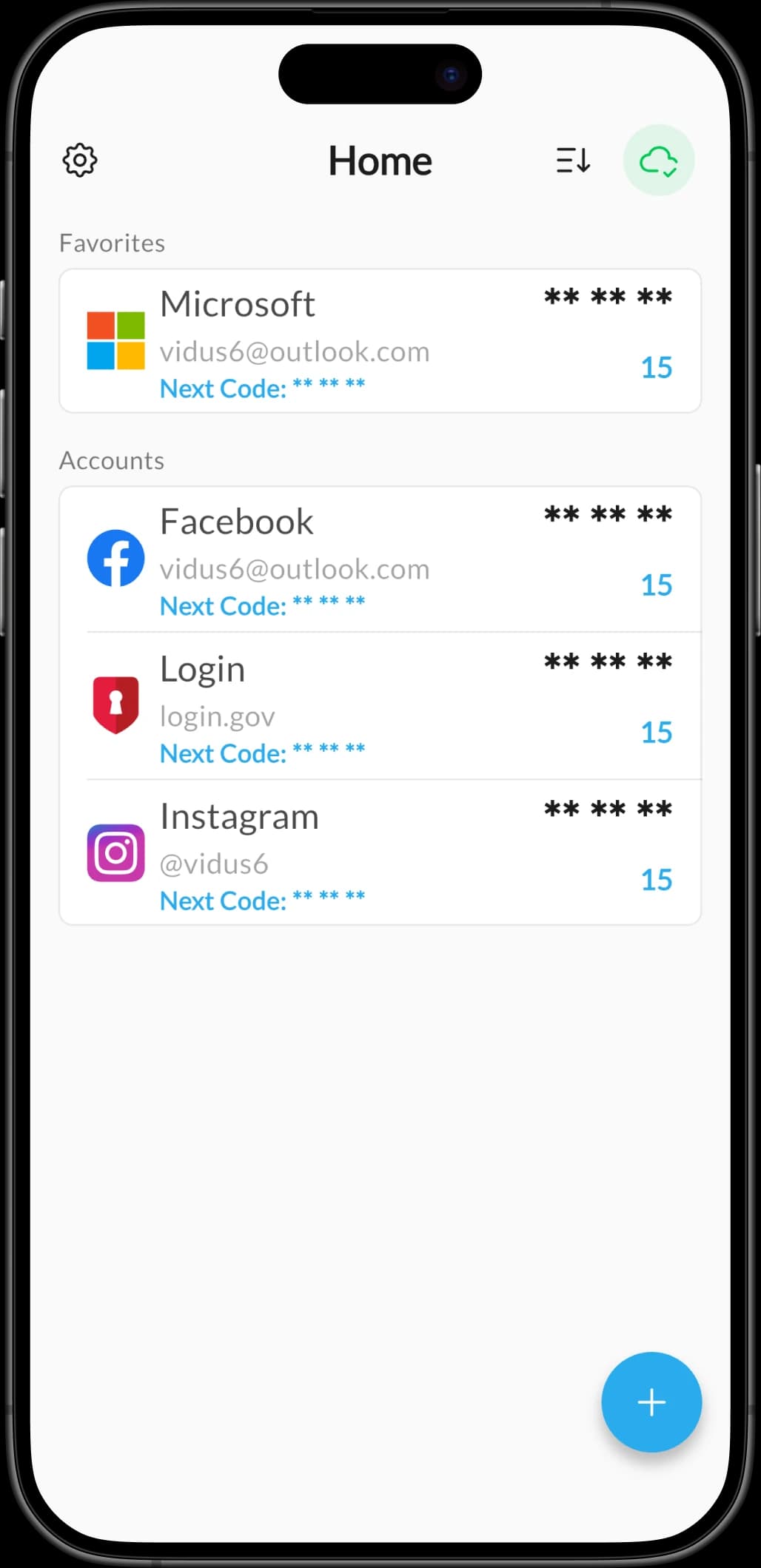
Add accounts in seconds by scanning a QR code, importing your entire Google Authenticator vault, or pasting a secret directly into Authenticator.
Sign In Anywhere
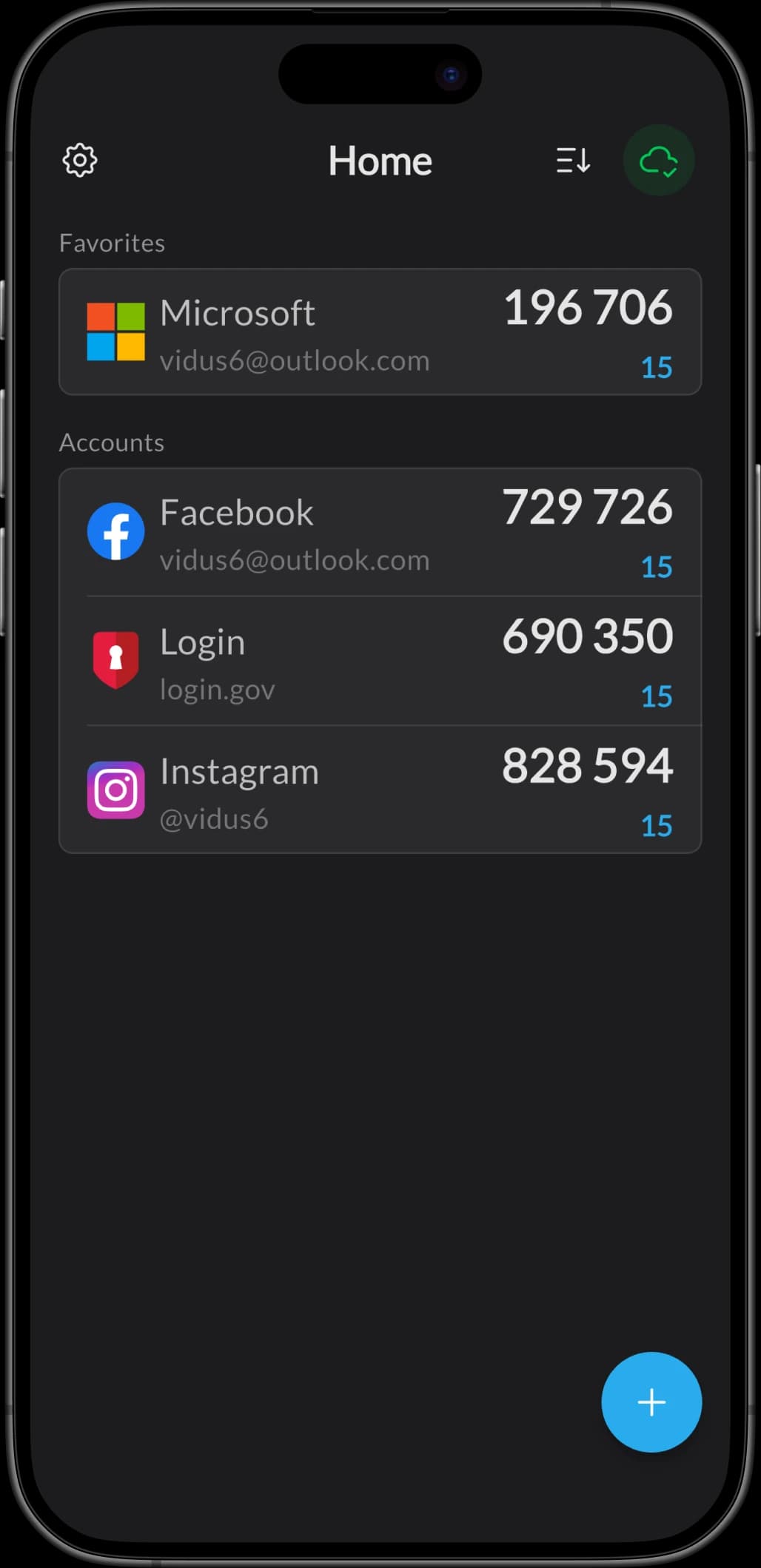
Open Authenticator whenever a service prompts for a 2FA code and it generates a fresh TOTP code, online or offline, on every device you own.
Screenshots
See Authenticator in Action
A closer look at the features that help you secure your logins with Authenticator every day.
FAQ
Got Questions? We Have Answers
Everything you need to know about Authenticator.